Save in one tap
Share to Yaz from any app, or paste a link. Save silently without leaving the video, or open Yaz to add a note and tags.
Save once from anywhere - YouTube, X, GitHub, Reddit, TikTok - and Yaz files it into a tidy library you can search, tag, and favorite. Find them when it matters, not lost in 80 open tabs.
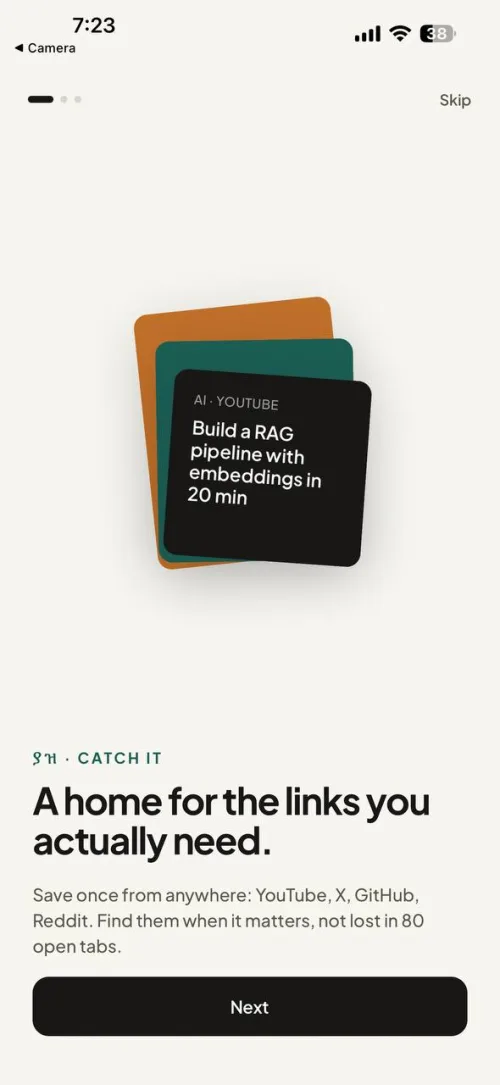
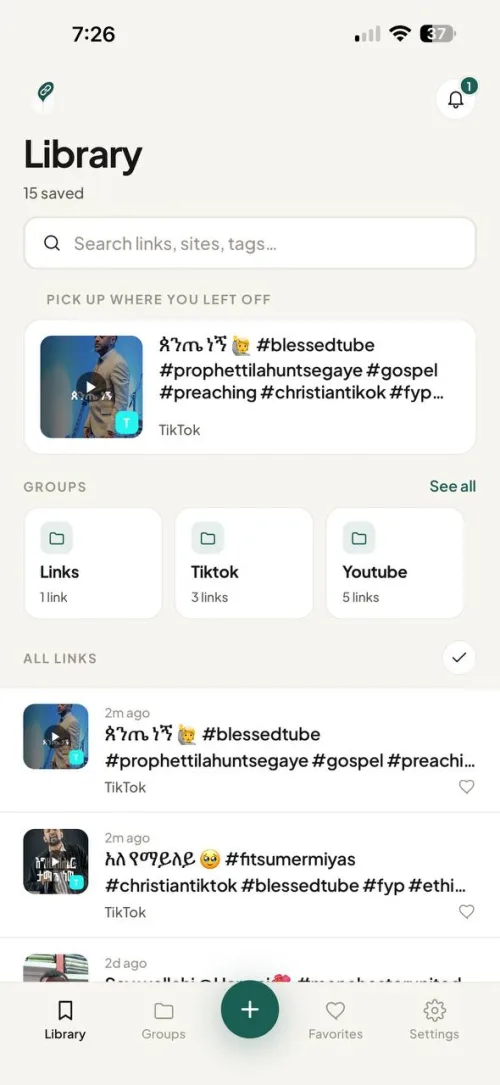
Yaz turns the share sheet into a save button - then does the work of making your library browsable, so a link you saved weeks ago is still easy to find.
Share to Yaz from any app, or paste a link. Save silently without leaving the video, or open Yaz to add a note and tags.
Yaz fetches the thumbnail, title, and site so every save looks like a card you'll recognize - not a naked URL.
Full-text search, your own tags, favorites, and folders. Archive what's done; surface what matters.
Nudge yourself about a link so "later" actually happens.
Your library lives on your device. No account, no signal, no problem.
Optional, opt-in sync keeps every device in step - encrypted so even we can't read your links.
No copy-pasting, no app-switching. Save from wherever you already are - your phone's share sheet, your browser, or straight from Telegram - and get back to what you were doing.
On any video, reel, post, or page - in TikTok, YouTube, X, your browser, anywhere.
Choose Yaz in the list of share apps and send the link to it.
With Quick Save on, it saves instantly and drops you right back where you were. On iOS it stays in the app you're in - no interruption at all.
Prefer to add a title, note, or tags while you save? Turn Quick Save off in Settings and Yaz opens so you can.
Add Yaz to Chrome, Edge, Brave, or Firefox (see the downloads below).
On any page or link. Or click the Yaz icon in the toolbar (top-right) and hit Save - or press ⌘⇧S.
Open the full-tab Library anytime to search, filter by folder, and organize.
Connect Telegram in the extension's settings and your saves stay in step with the phone app automatically.
The same bot you connect for sync - right inside Telegram.
Any post you kept in Telegram, or a link you copied from anywhere - just send it to the bot.
Yaz saves it and syncs it to your phone and the web automatically - no app switching.
Got links piled up in Saved Messages? Forward them to the bot and they all land in Yaz.
While the Google Play and extension-store listings are in review, you can install the exact same build directly. These links always point to the latest version.
APK · Android 8.0+
Download APKAndroid shows an "unknown source" prompt for any app installed outside the Play Store - that's expected here.
Unpacked extension (.zip)
Download for Chromechrome://extensions and turn on Developer mode (top-right).Temporary add-on (.zip)
Download for Firefoxabout:debugging#/runtime/this-firefox.manifest.json).Prefer the official stores? Join the closed beta and we'll email a Play Store invite the moment it's ready.
The Yaz browser extension saves the current tab from the toolbar, a right-click, or a keyboard shortcut - and gives you a full-tab Library to browse, filter, and organize everything you've saved.
⌘⇧S.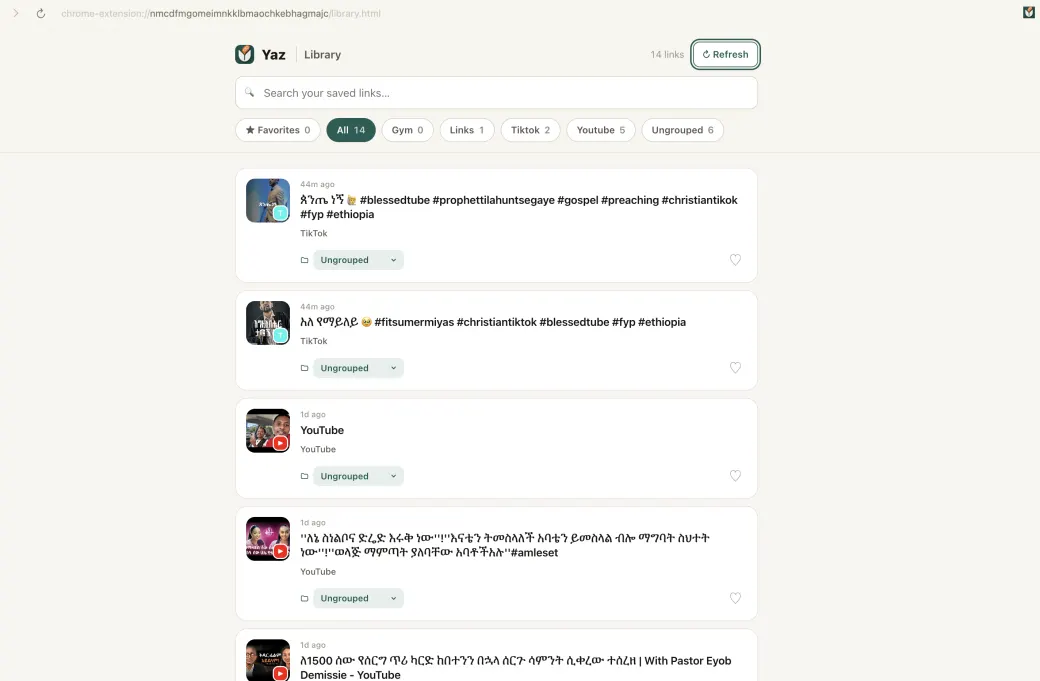
Turn on sync and your library is encrypted on your device, then parked as a single file in your own Telegram chat. Our backend keeps only a tiny pointer - so we can't read what you save.
Encrypts your whole library locally before anything leaves.
A thin broker. Holds only a pointer and your key - never readable content.
The encrypted file lives in your private bot chat - free storage you own.
XChaCha20-Poly1305. The key is shared only between your own devices; Telegram only ever sees ciphertext.
Phone and browser extension see the same library, merged with last-write-wins.
Delete your account and data in one tap - backup and pointer wiped immediately.
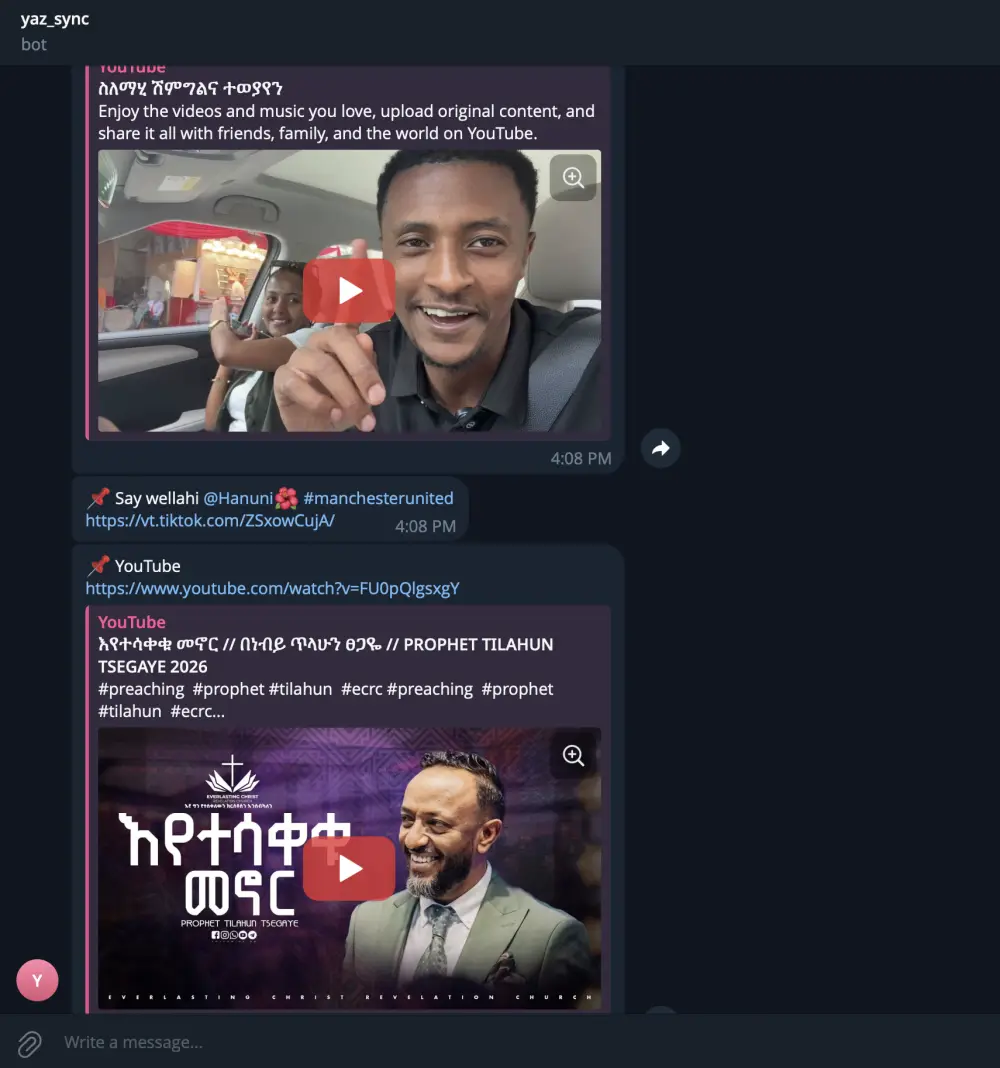
In the Yaz app - or the browser extension - open Settings and choose Connect to Telegram. Yaz sets you up with a sync bot automatically; press Start to link both sides, and your library is synced. From then on, every link you save also lands in your private chat as a clean, clickable message - title and preview included - a human-readable backup you can browse on any device.
We're running a Google Play closed test. Add your email and we'll send your invite - your address is used only to enroll you as a tester and send the link.
We collect tester emails to enroll you in the Play Console closed test.
You'll receive an opt-in link to install Yaz from Google Play.
Use Yaz day-to-day and send feedback - it shapes the public release.